AIAC

Free Online YouTube Transcript Generator

No need to download YouTube videos. Just paste the link to get the full transcript. Stop scrubbing through videos to find key points and organize video content with ease using our YouTube transcript generator.

audioQuickly Generate Transcripts from Audio New
audioLearn How to Cook New Nordic Cuisine

Who Can Benefit from a YouTube Transcript Generator?

Our YouTube video transcript generator does more than just extract subtitles. It can be useful in different ways, from taking notes and finding content ideas to putting together meeting notes. Make everyday tasks and work a little easier with video transcripts.

For Students

  • Turn YouTube lectures and educational videos into text, making key information easier to review.
  • Fill in missing details in class notes and avoid overlooking important points.
  • Search transcripts by keyword to quickly find concepts, definitions, or examples worth reviewing.
For Video Creators

  • Transcribe popular YouTube videos to understand how other creators approach their content and find inspiration for new topics.
  • Turn spoken content from your own videos into Shorts scripts or blog posts.
  • Save memorable quotes from interviews and video conversations for subtitles, thumbnail text, and other promotional content.

For Researchers

  • Turn expert interviews and public talks on YouTube into text for research and reference.
  • Search transcripts by keyword to locate specific opinions, data, and quotes.
  • Compare the views and statements of interviewees across different videos to gather reference material for papers or research projects.

For Professionals

  • Transcribe product demos, industry talks, and online training videos to quickly find instructions and key information.
  • Turn project discussions and work presentations into written records of action items and important decisions.
  • Use speaker identification in meeting transcripts to confirm task owners and responsibilities, making follow-ups easier to manage.

What Can You Do with YouTube Transcript Generator?

Easily and Accurately Transcribe Videos Beyond YouTube

Easily and Accurately Transcribe Videos Beyond YouTube

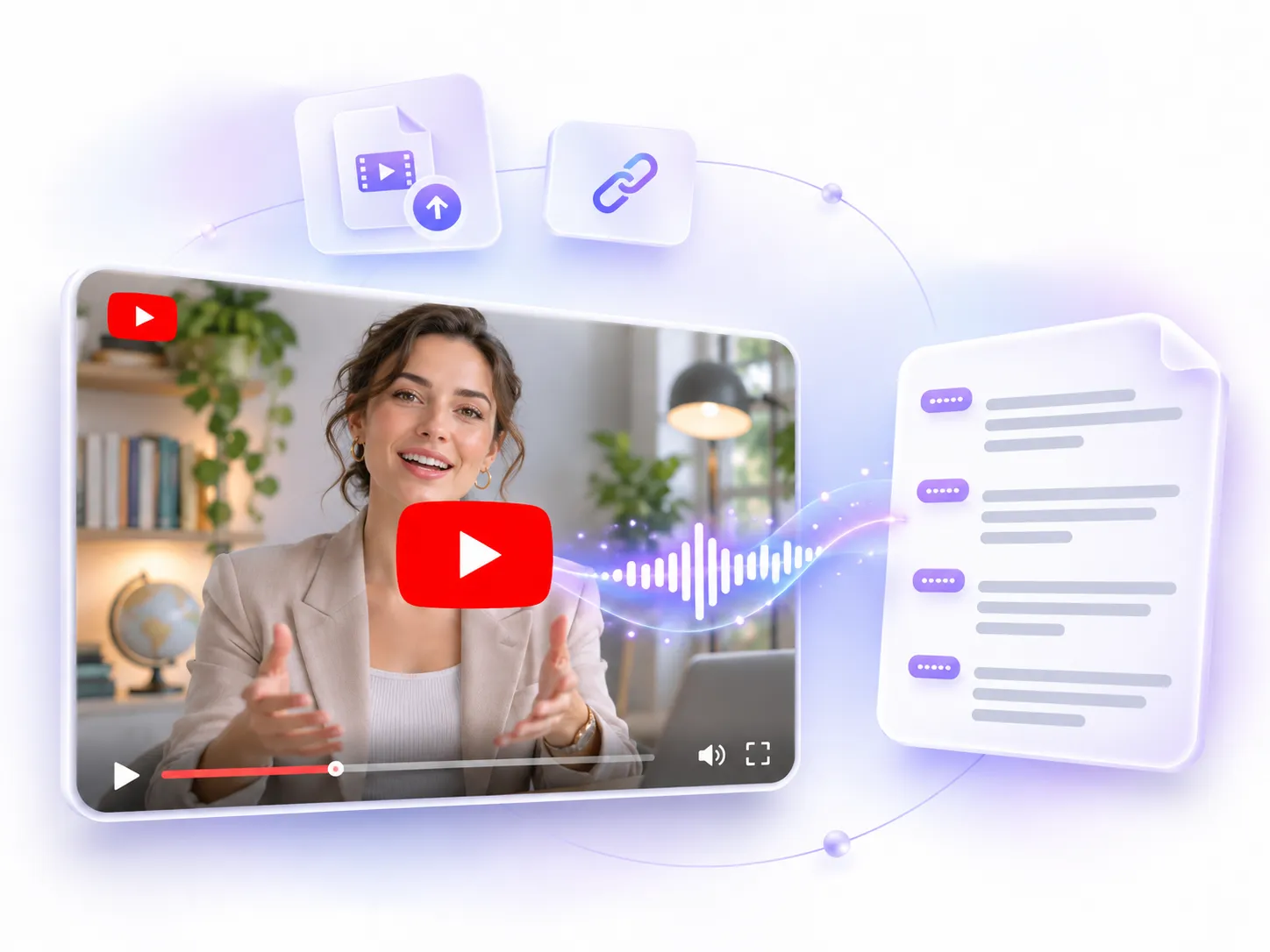
Our YouTube transcript generator works with more than just YouTube videos. You can also upload local video files or paste a video link to start transcribing, without downloading the video first. It supports all kinds of content, including recorded lectures and online meetings. Get a full transcript in just a few seconds.

Transcribe Video for Free>>
Ask AI About Any Part of Your Transcript, Anytime, Anywhere

Ask AI About Any Part of Your Transcript, Anytime, Anywhere

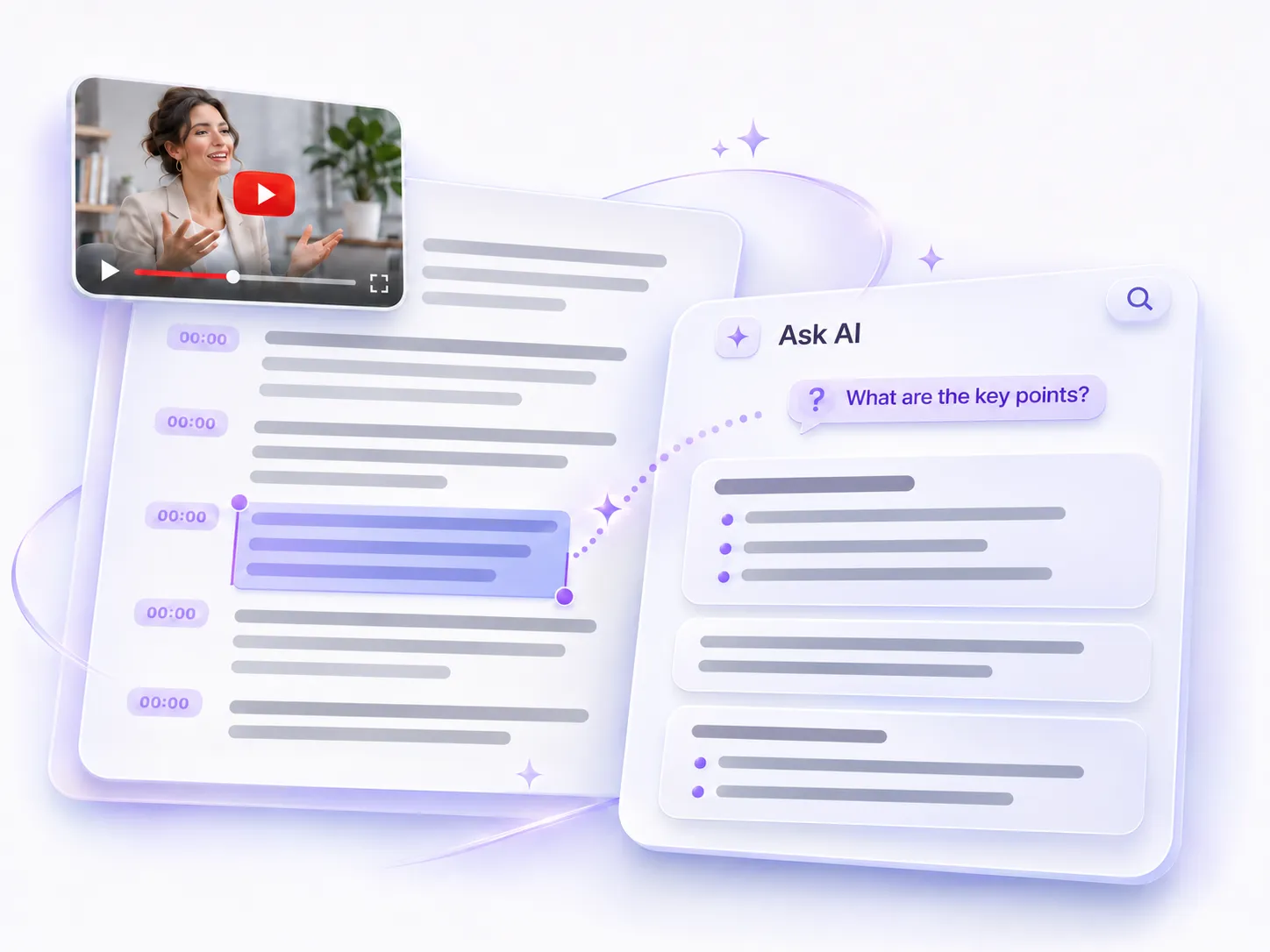
If you have questions while reading a transcript, you can use Ask AI directly in our YouTube video transcript generator to get more details. Ask AI can answer questions about the entire transcript, such as what the video is about or what its main points are. If you're only interested in a specific part, simply select that section and ask about it. There's no need to refer to the full transcript every time.

Convert Video to Text>>
Quickly Find and Edit Key Information Across Long Transcripts

Quickly Find and Edit Key Information Across Long Transcripts

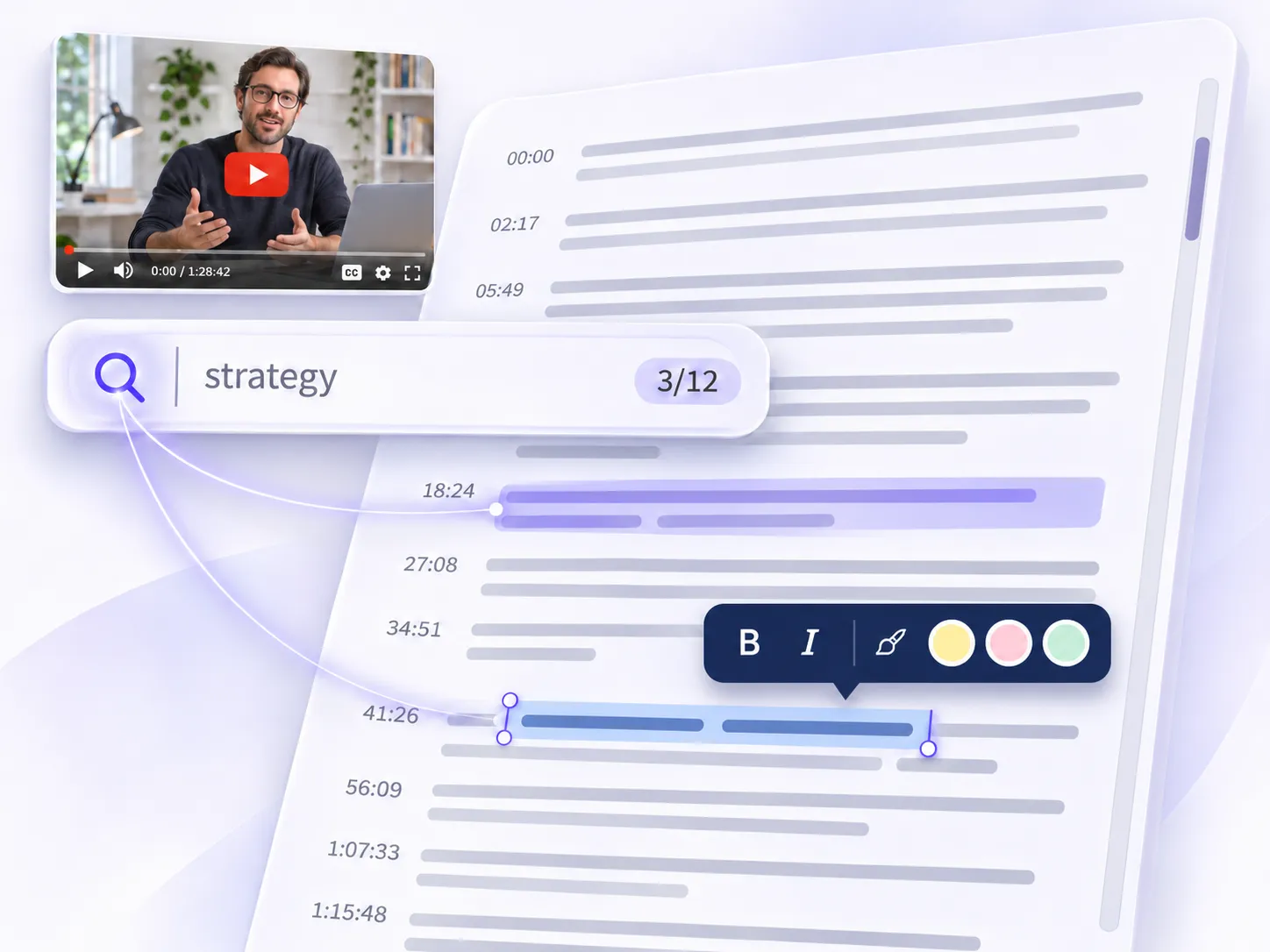
For transcripts of long videos, especially those lasting one or two hours, scrolling through the entire text to find something can be a hassle. Our YouTube transcript generator includes a search feature to help you quickly locate specific information. You can also edit the transcript directly, bold important points, or highlight key details. There's no need to copy everything into another document just to organize your notes.

Get YouTube Transcript>>
Accurately Identify All Speakers in Any YouTube Video with One Click

Accurately Identify All Speakers in Any YouTube Video with One Click

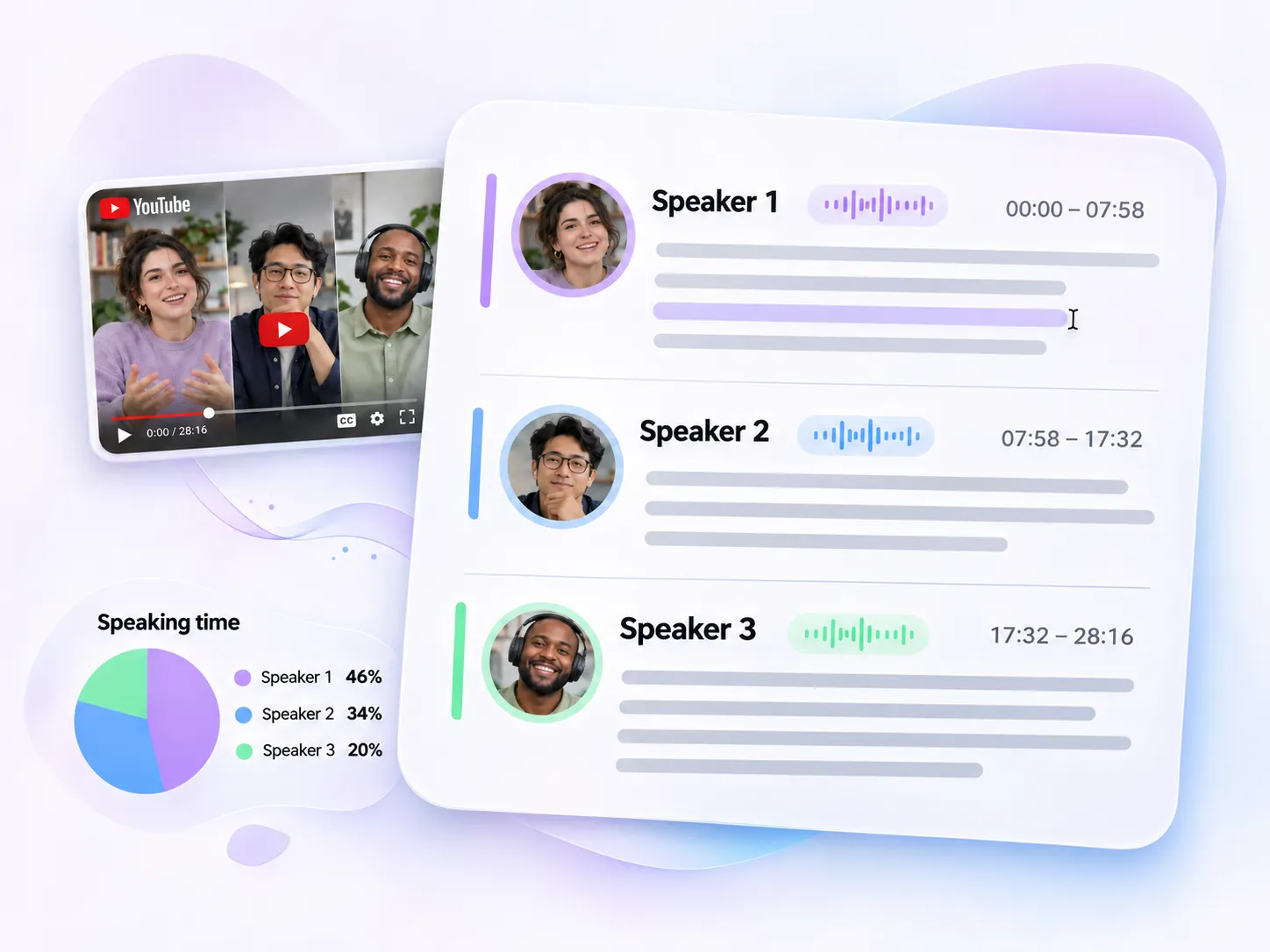
In meetings or interviews with multiple participants, it can be hard to keep track of who said what. Our YouTube transcript generator automatically identifies different speakers and separates their lines in the transcript. You can see what each person said and check their speaking percentage to get a better idea of how much each participant contributed to the conversation.

Try Video Transcript Generator>>

How to Get Transcript from YouTube Video?

Just three simple steps with our YouTube transcript generator to turn videos into text, get the information you need, and save time.

  1. Paste a Link or Upload a Video

    Step 1

    Copy the YouTube video link and paste it into the input box to get started. If you're transcribing a video from another source, you can also upload a local video file directly.

  2. Get Your Full Transcript

    Step 2

    Wait a few seconds while our YouTube transcript generator processes your video and generates the full transcript. You don't need to pay to unlock the transcript, and there's no video length limit.

  3. Edit or Download Your Transcript

    Step 3

    Once your transcript is ready, you can edit the text, ask AI questions, or use video summarizer to quickly pull out the main points. When you're done, simply export and download your transcript.

Real Feedback from Users of Our YouTube Transcript Generator

An online course can easily run for an hour or two, but usually, I only need to revisit a few specific topics. I used to replay the video just to find an example the instructor mentioned. With this YouTube transcript generator, I can search for keywords and jump straight to the relevant parts. I can also highlight important sections, which makes putting together study notes much easier.
Hannah WilsonUniversity Student
When planning new videos, interviews and popular videos often have interesting points worth borrowing. Having a transcript makes finding those ideas much easier. Instead of constantly dragging the progress bar back and forth, I can scan the text, pick out interesting parts, and use relevant quotes in my scripts or blog posts.
Ethan ParkerContent Creator
With this YouTube transcript generator, keeping track of online meeting discussions and task assignments is much easier. I can upload a meeting recording, and the tool automatically separates different speakers and shows how much each person speaks. If I need to check who is responsible for a particular task, I can simply filter the transcript by speaker instead of listening to the entire recording again.
Olivia BennettProject Coordinator

YouTube Video Transcript Generator FAQs

If you have any other questions, take a look at the FAQs below. If you can't find the answer you're looking for, feel free to contact us by email.

What is YouTube transcript generator?

YouTube transcript generator converts YouTube videos and other types of videos, including local video files, into text. All you need to do is upload a video file or paste a video link to get started. It supports over 100 languages and can accurately transcribe speech in different languages and dialects into readable text. Once your transcript is ready, you can read, search, edit, or download it to find and organize important information more easily.

Can I transcribe videos other than YouTube videos?

Yes! Our YouTube transcript generator supports more than just YouTube videos. You can also upload local video files or paste links to other supported video sources to generate transcripts.

Is this YouTube transcript generator free to use?

Yes, it's completely free to use, with no subscription required.

Can I edit my transcript after it's generated?

Yes, our YouTube transcript generator lets you edit, delete, highlight, bold, and make other changes directly to the transcript.

Does the video transcript generator support long videos?

Yes. You can transcribe videos that are one or two hours long. Just keep in mind that longer videos may take a little more time to process.

Can I convert YouTube to transcript without downloading the video?

Yes, just paste the YouTube link to generate a transcript directly. There's no need to download the video first.

How accurate is YouTube to transcript conversion?

In general, the accuracy can reach over 90%. Clear pronunciation and minimal background noise can help improve transcription accuracy.

Can it accurately recognize multiple speakers in one video?

Yes. Our YouTube transcript generator can automatically identify different speakers and label their lines in the transcript. You can also edit the speaker names yourself afterward.